1
Open the Developer page
Sign in to the Business Dashboard and go to
Developer in the sidebar.
2
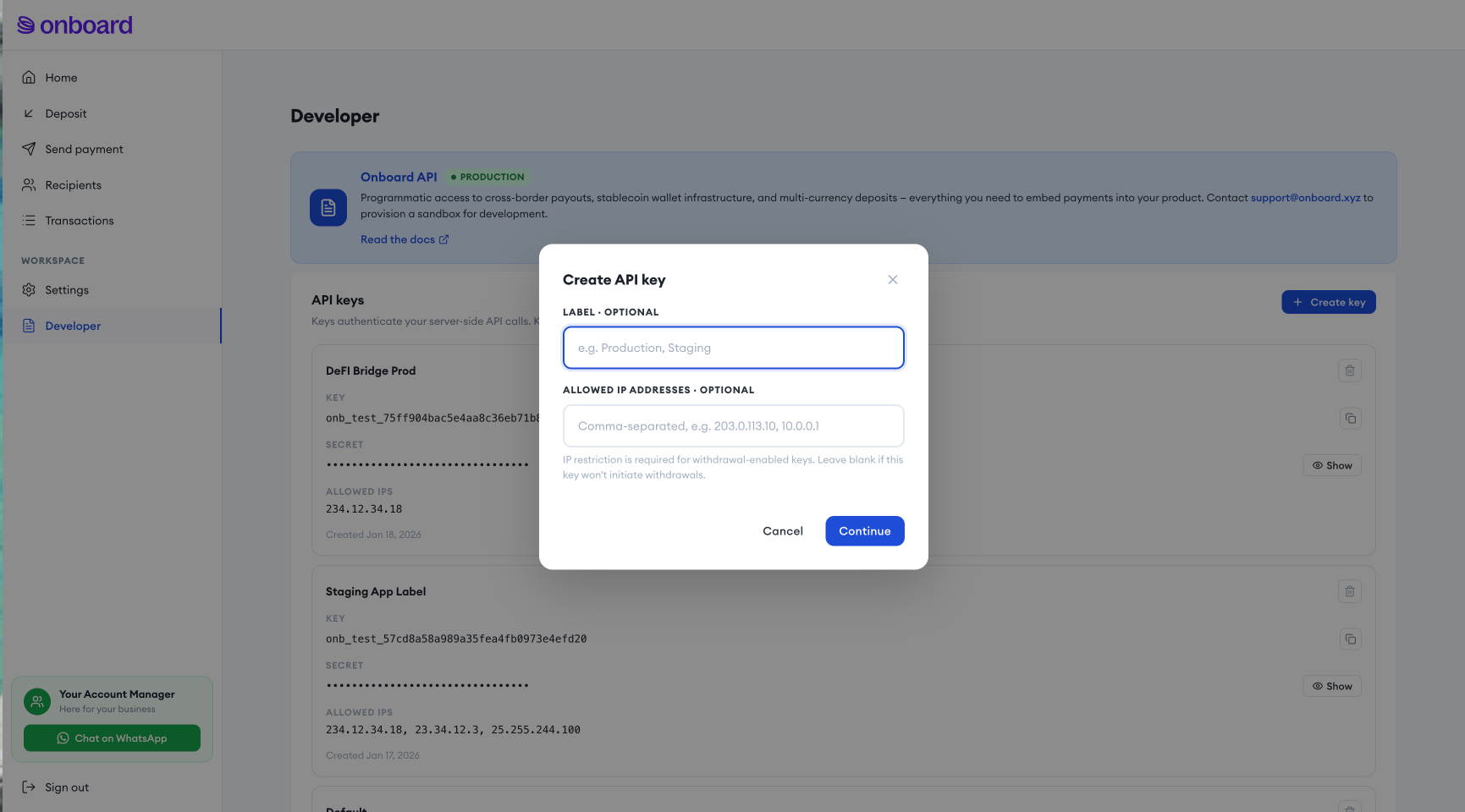
Generate a key
Click Create key. Your API key and API secret are shown once —
store the secret securely, it cannot be retrieved again.
3
Restrict by IP
Add the IP addresses your servers will call the API from. IP restriction
is required for any key that will initiate withdrawals (cash payouts,
crypto transfers); it’s optional for read-only or deposit-only keys.
4
Save and test
Save your credentials, then make a test request against
GET /exchange/api/info to confirm they work.